5% Back in My Sony PointsJoin Now

![[OOF] [hero] CreativeLook](https://d1ncau8tqf99kp.cloudfront.net/OOFM/images/creativelook/desktop/1.png)
Discover your Creative Look
Creative Look1 makes photos and videos that reflect both your individual style and creative goals.
Starting from a base of fast presets, you can dial in the precise color tone, sharpness, brightness and contrast2, to reproduce your perfect look, in-camera and ready to share.
Supported Creative Look modes vary depending on camera model.
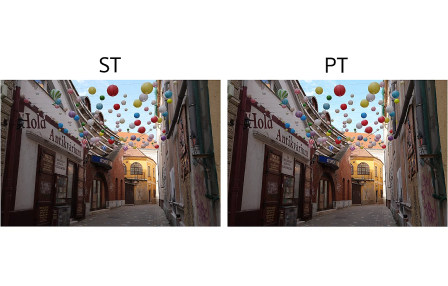
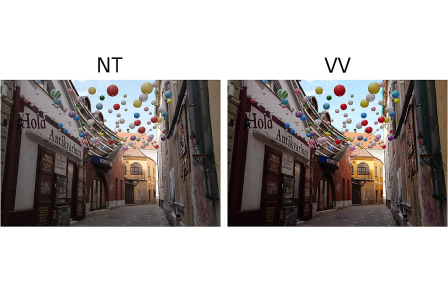
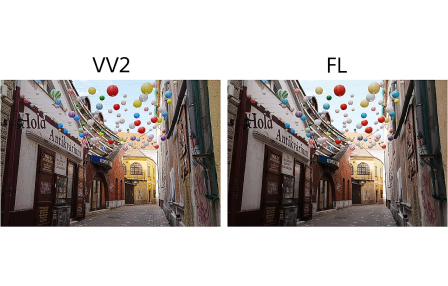
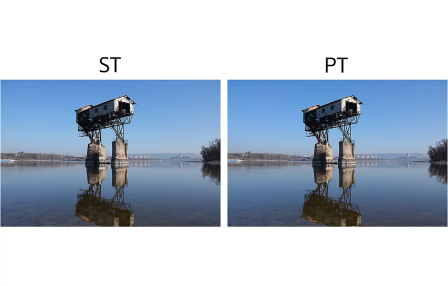
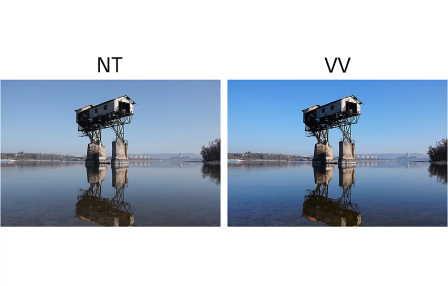
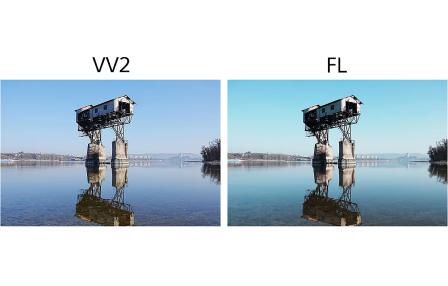
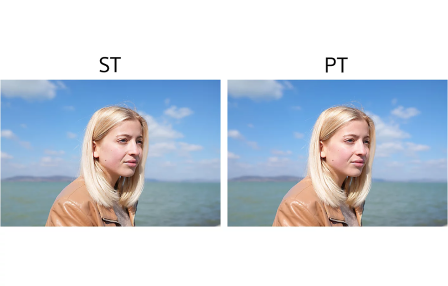

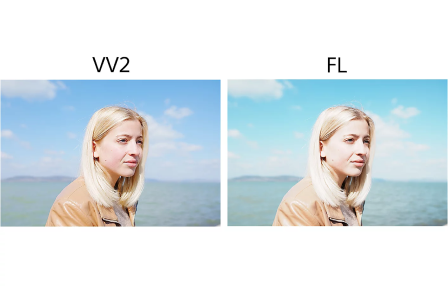
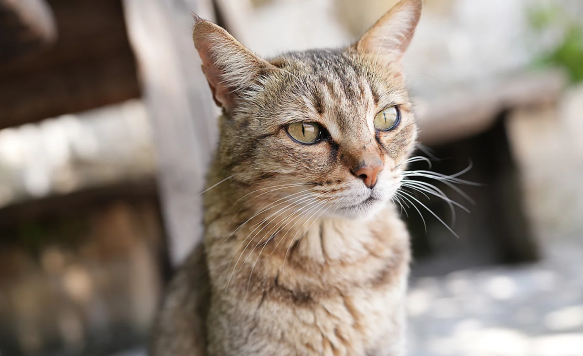
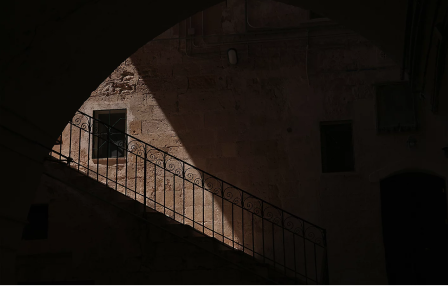
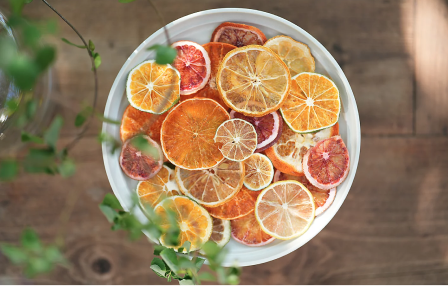

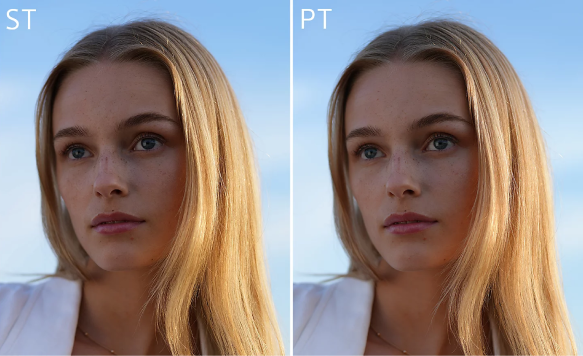
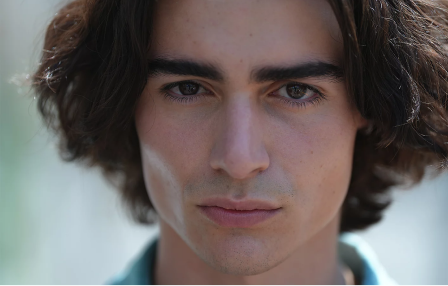

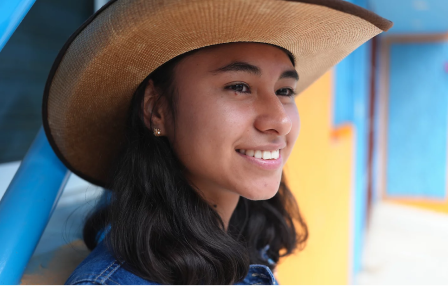
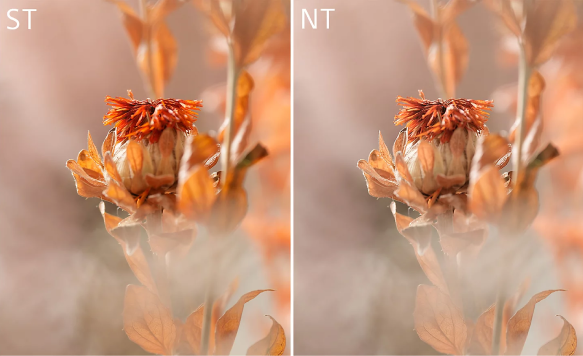
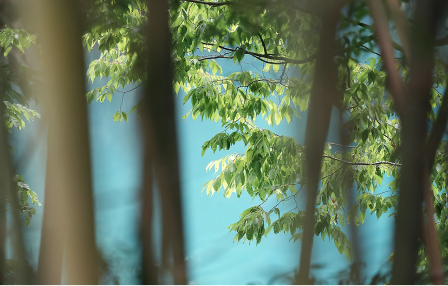
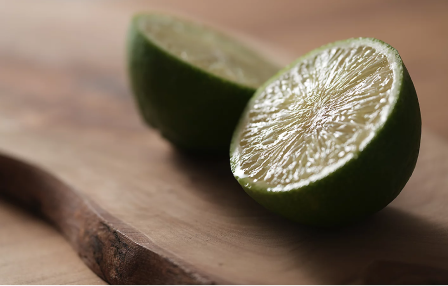

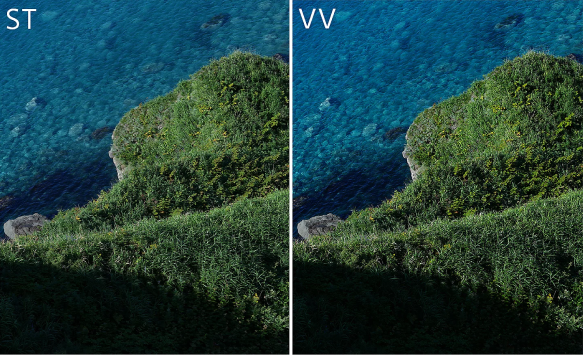
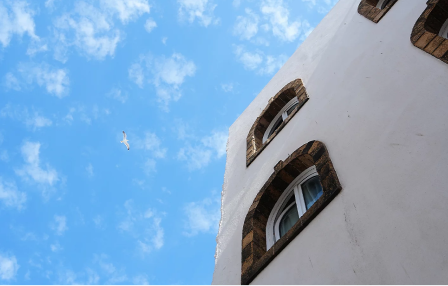
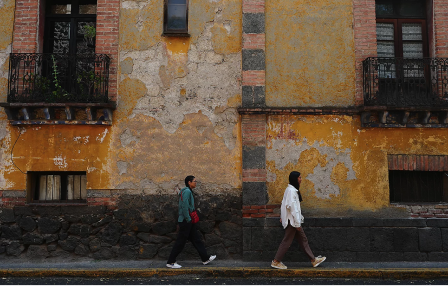

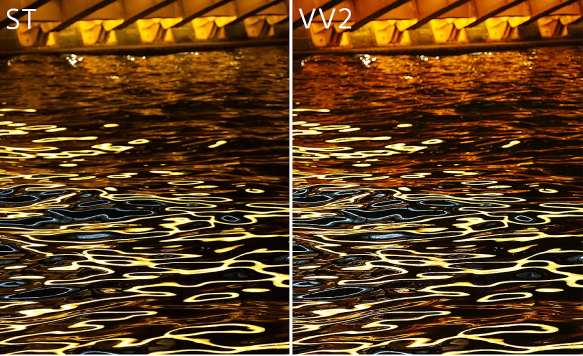
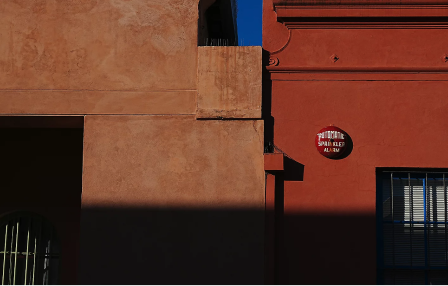
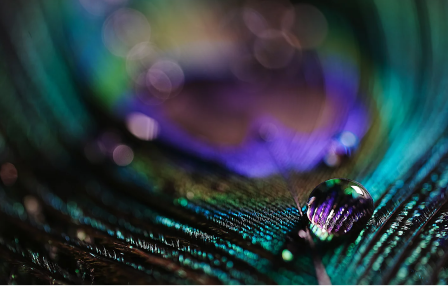

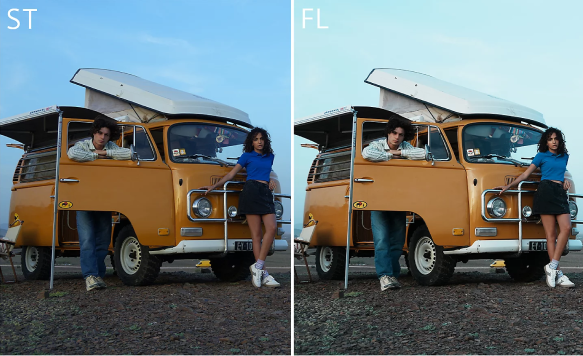
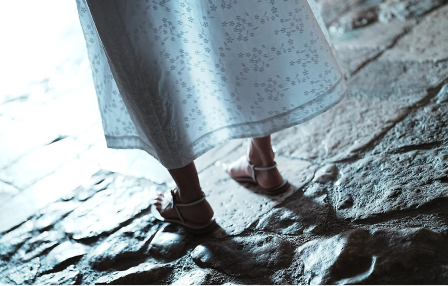

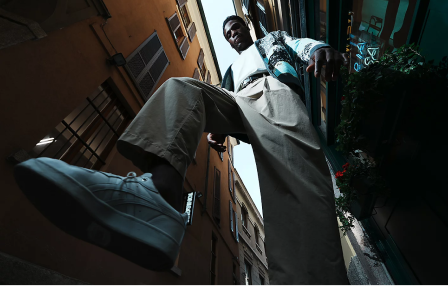
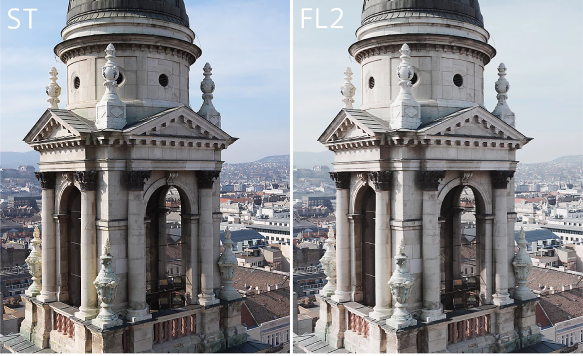
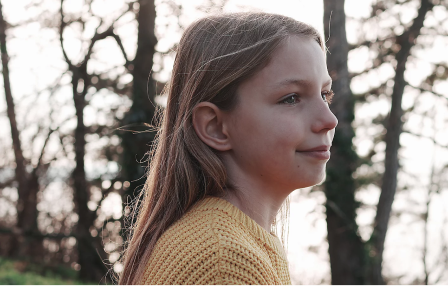

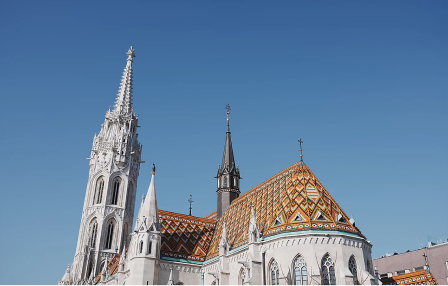
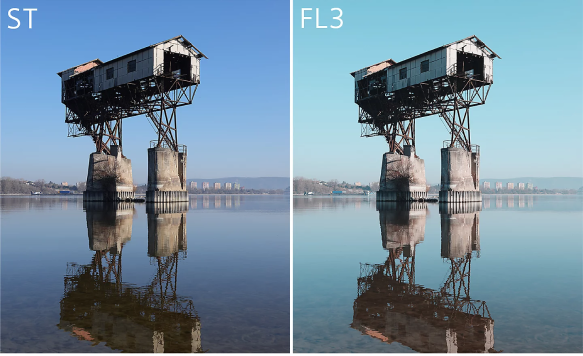
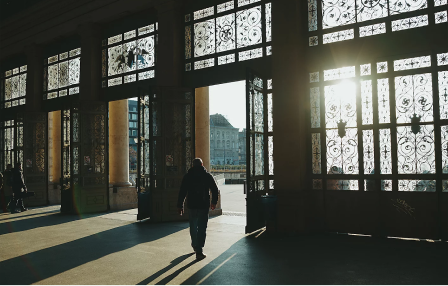
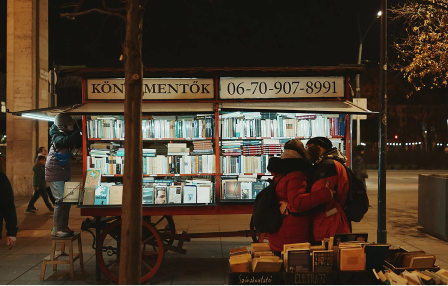
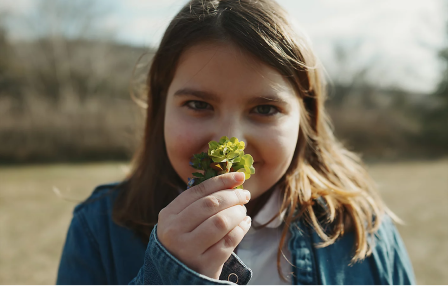
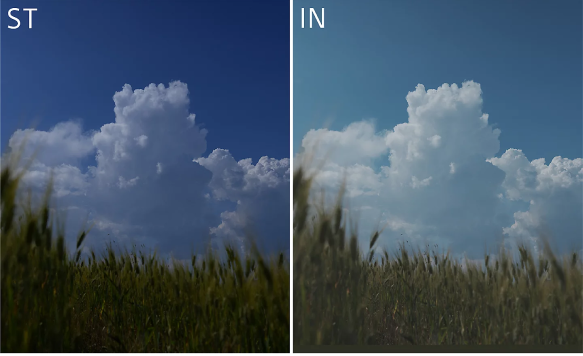

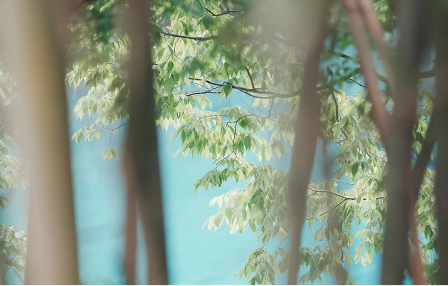
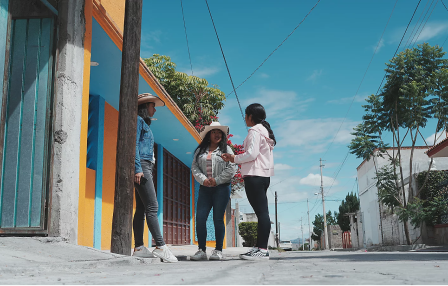

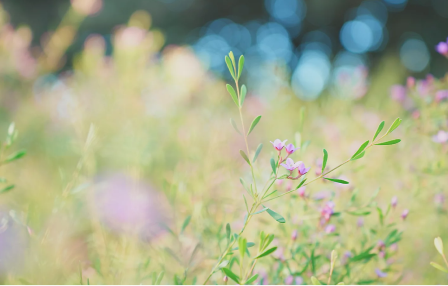
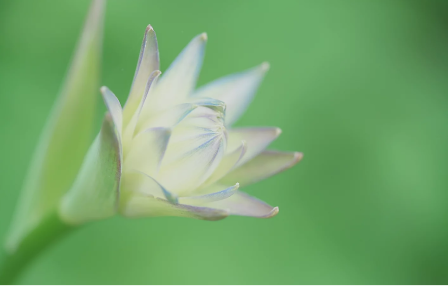
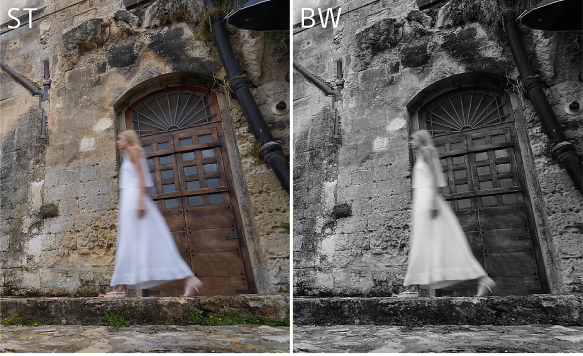

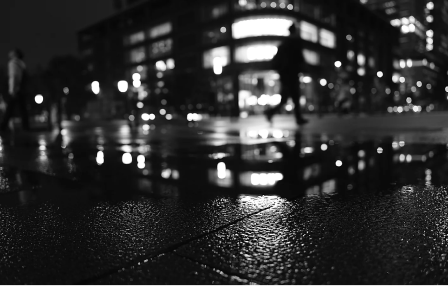
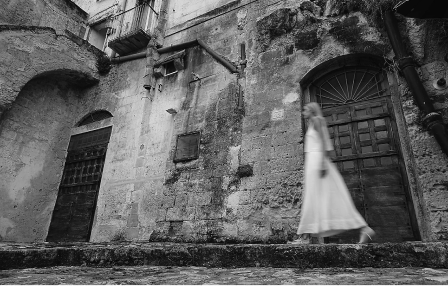
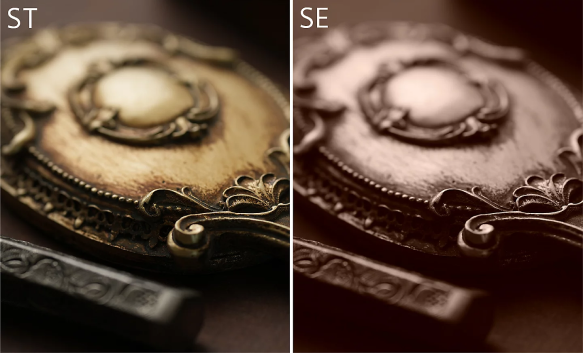
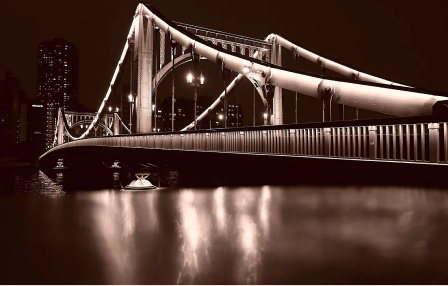

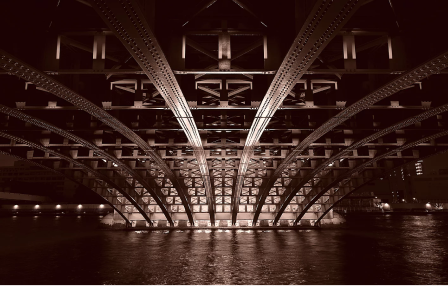
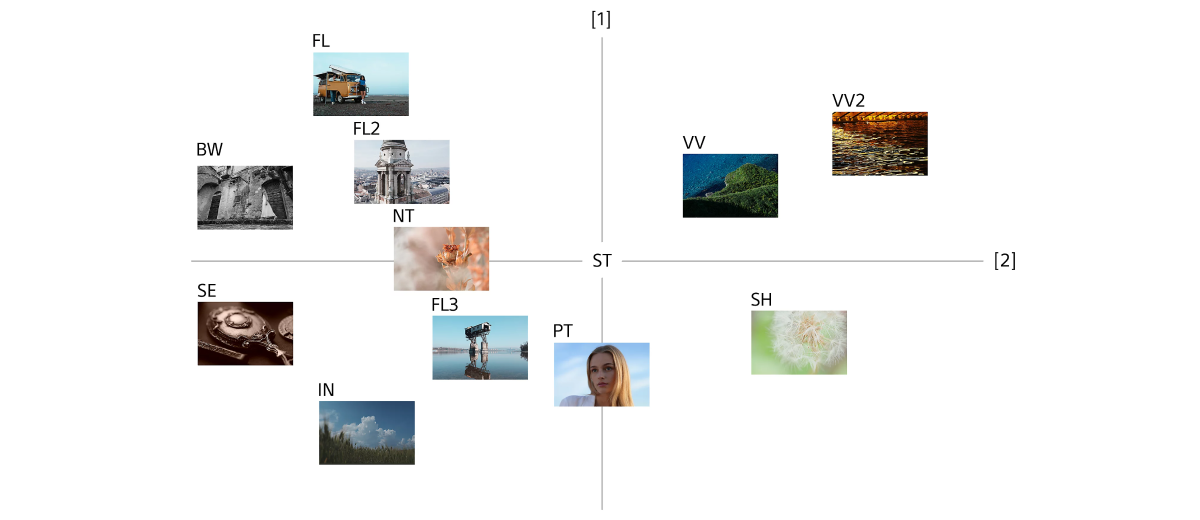
12 presets color mapping
[1] Contrast [2] Saturation
Design your own Creative Look
With Creative Look presets as a base, a wide range of parameters can be adjusted3.
Reproduce and share your individually styled images, without additional post-production editing.

Contrast
Increase this setting (-9 to +9) to accentuate the difference between light and shadow, exaggerating detail, and vividness.

Highlights
Adjusts the presence of bright areas of an image. Increase this setting to boost brightness without washing out shadows (-9 to +9).

Shadows
Adjusts the depth of dark areas of an image. Increasing this setting pulls details from shadow without washing out the image (-9 to +9).

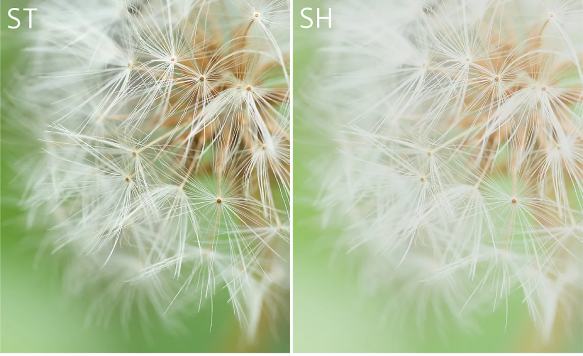
Fade
Increase this setting (0 to 9) to apply a washout effect to the image, replicating the subtle fading of an old photograph.

Saturation
Adjusts the intensity of colour, for more vivid or subdued imagery without shifting the overall hue (-9 to +9).

Sharpness
Adjusts image sharpness by varying the contrast of edges and contours, to enhance or soften detail (0 to 9).
Sharpness Range
Adjusts the range across which the sharpness effect is applied. A larger value applies the sharpness effect to finer outlines (1 to 5).
Clarity
Increases the contrast of mid-tones, for subtle detail enhancement (0 to 9).