5% Back in My Sony PointsJoin Now


Easy to wear
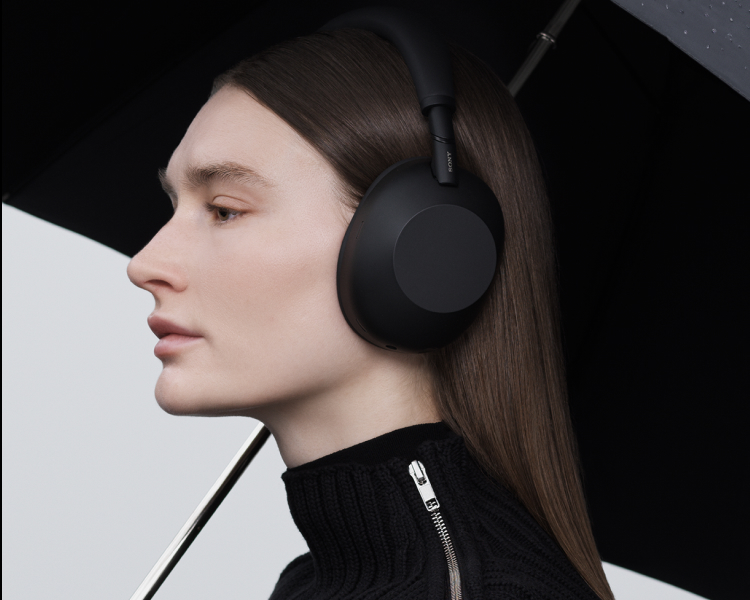
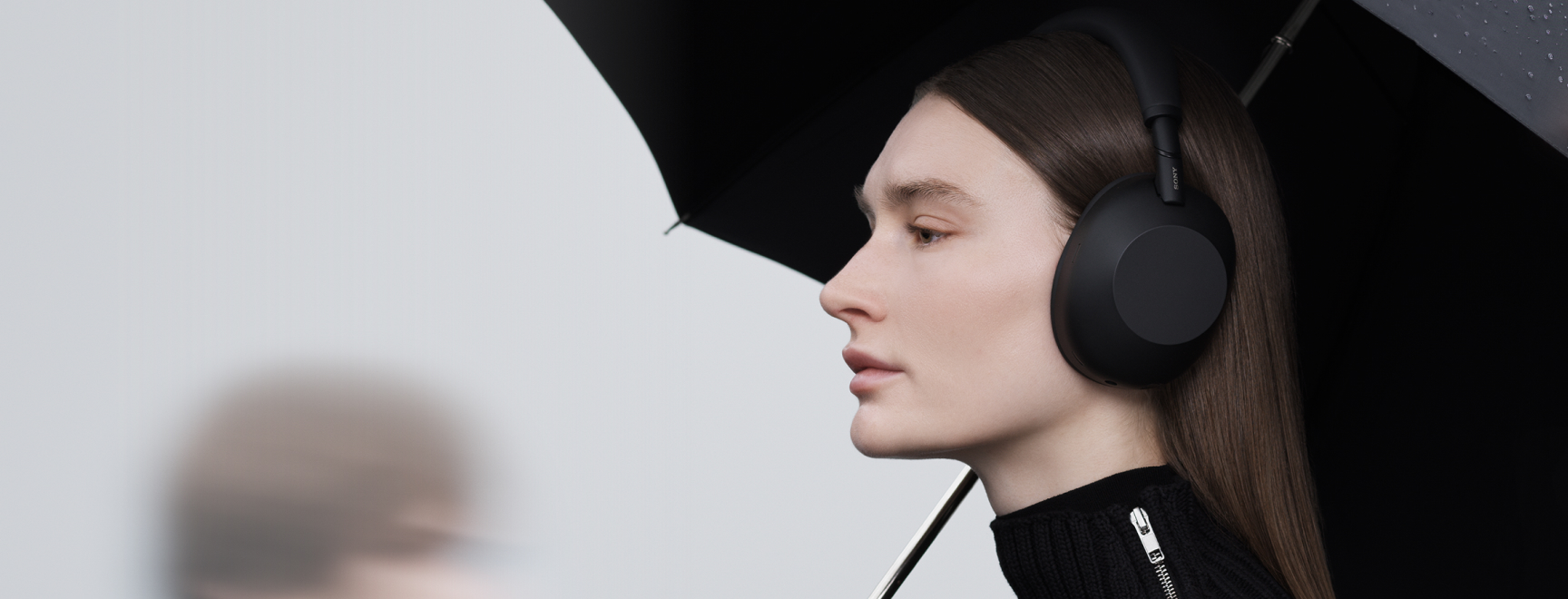
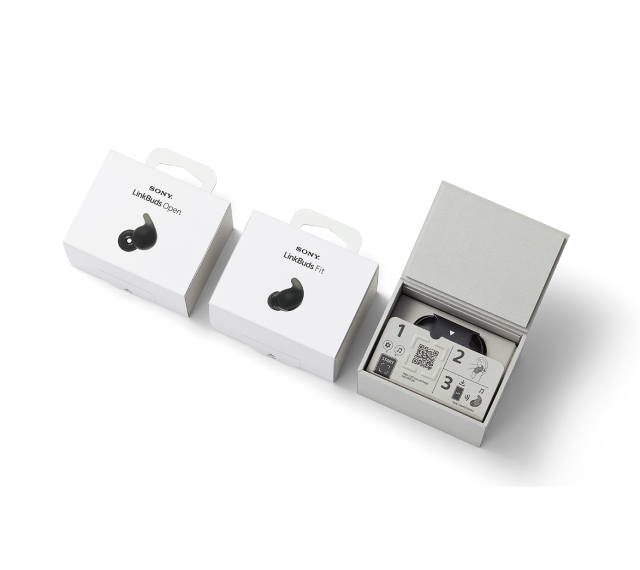
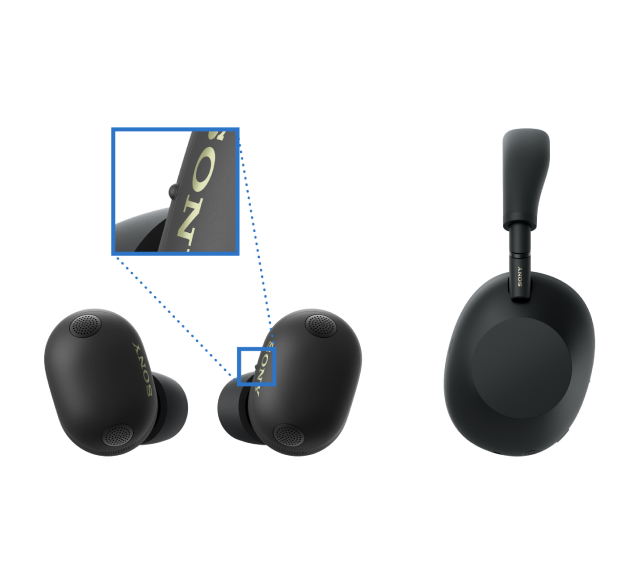
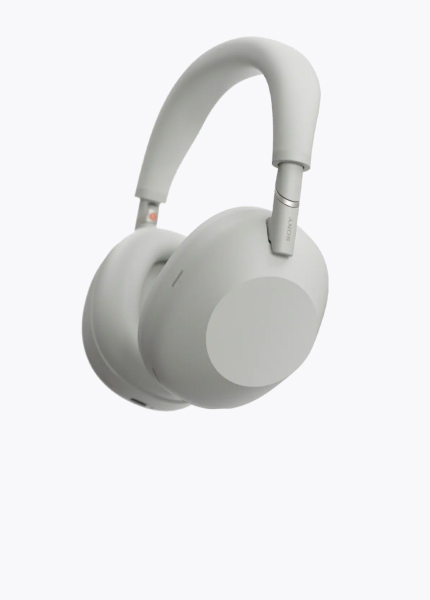
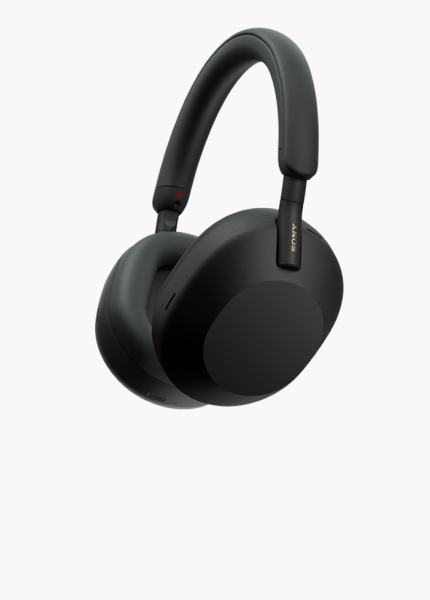
Our headphones are thoughtfully designed so their shape is easy to recognise by touch, whether you’re checking left and right, top and bottom, or front and back. For example, the WH-1000XM6 makes the front and back easy to recognise by touch, while our true wireless models include a tactile dot on the left earbud to distinguish left from right.
Easy to wear
Our headphones are thoughtfully designed so their shape is easy to recognise by touch, whether you’re checking left and right, top and bottom, or front and back. For example, the WH-1000XM6 makes the front and back easy to recognise by touch, while our true wireless models include a tactile dot on the left earbud to distinguish left from right.

Simple headphone control with Sony | Sound Connect
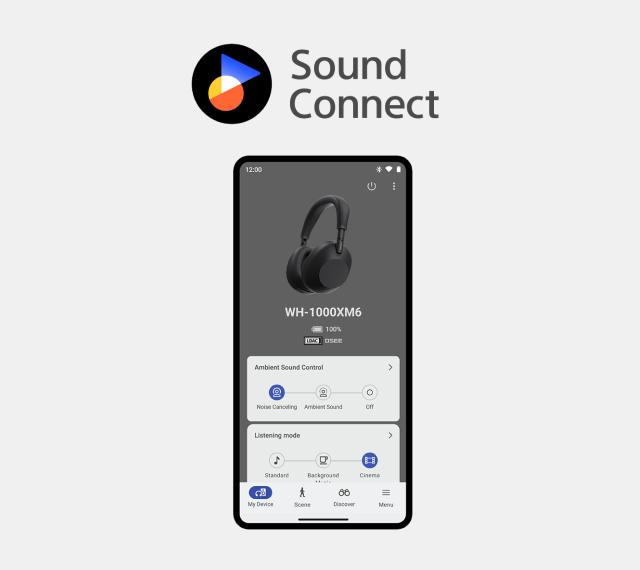
The Sony | Sound Connect app supports the screen reader function3 available on smartphones, for accessible control. Adjust your headphone settings and sound to match your preferences and needs with the Sony | Sound Connect app.
Explore Sony | Sound Connect
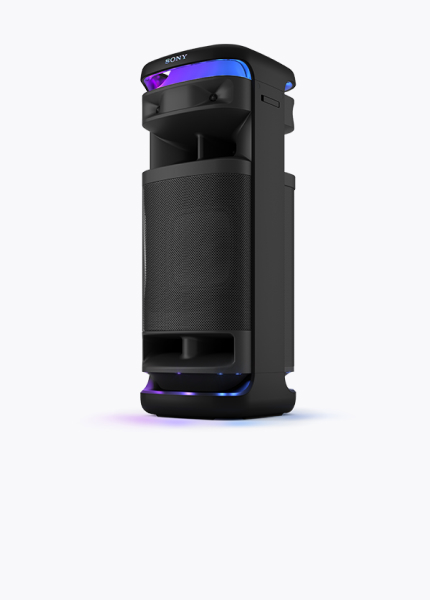
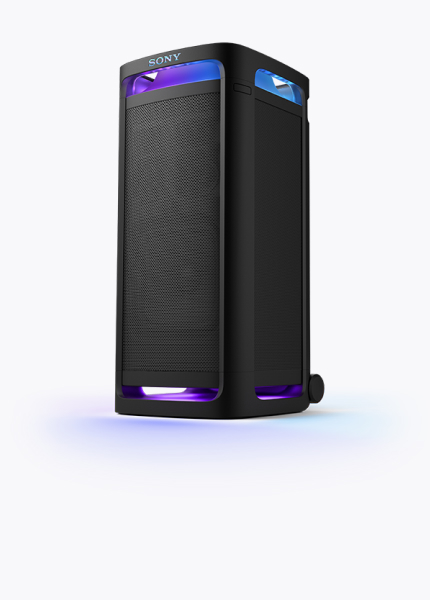
Simple wireless speaker control with Sony | Music Center
The Sony | Music Center supports the screen reader function3 available on smartphones. It conveniently brings listening functions together in one place and gives you easy control of wireless speaker functions, allowing you to manage devices directly from your smartphone.
Explore Sony | Music CenterPersonalized sound for every listener
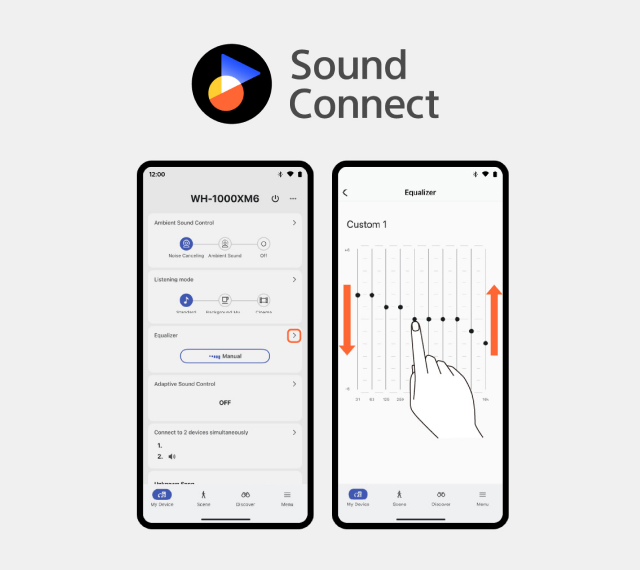
Sony headphones released after the WH-1000XM6, including true wireless models, now support a 10-band equaliser. This lets users fine-tune sound to their personal hearing profile, including people with hearing difficulties, improving both accessibility and listening comfort.
Personalized sound for every listener
Sony headphones released after the WH-1000XM6, including true wireless models, now support a 10-band equaliser. This lets users fine-tune sound to their personal hearing profile, including people with hearing difficulties, improving both accessibility and listening comfort.
Safe Listening with WHO recommendations
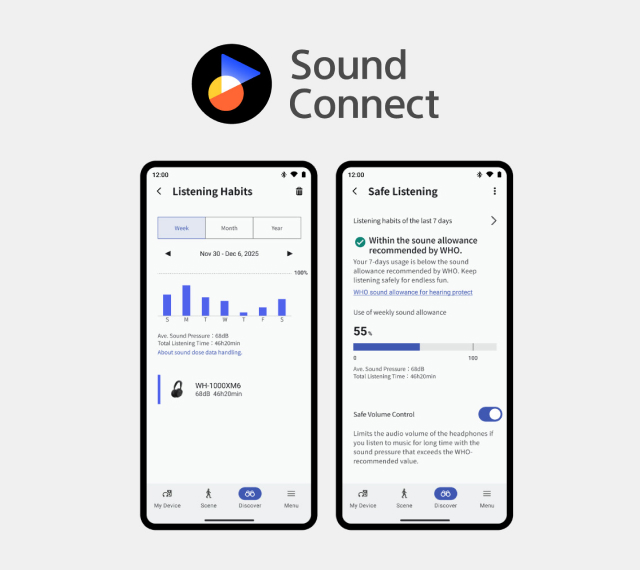
Your headphones are even better with the Sound Connect app. Its simple, intuitive interface lets you fine-tune your sound, set up shortcuts, and view your recent listening history. Safe Listening also helps you stay in line with WHO-recommended healthy listening habits.
Safe Listening with WHO recommendations
Your headphones are even better with the Sound Connect app. Its simple, intuitive interface lets you fine-tune your sound, set up shortcuts, and view your recent listening history. Safe Listening also helps you stay in line with WHO-recommended healthy listening habits.
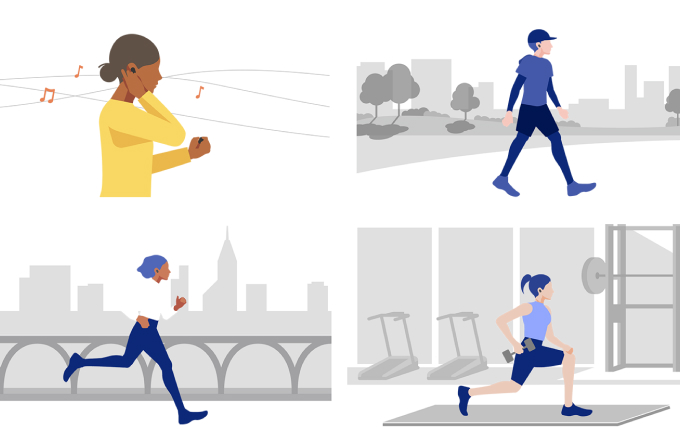
Scene Based Listening automatically adjusts to whatever you do
Scene Based Listening helps you hear music and information without needing to take action. It senses your behaviour and automatically switches between Noise Cancelling and Ambient Sound Mode, and adjusts music playback based on your environment, activity, and registered locations, without you having to control your headphones.

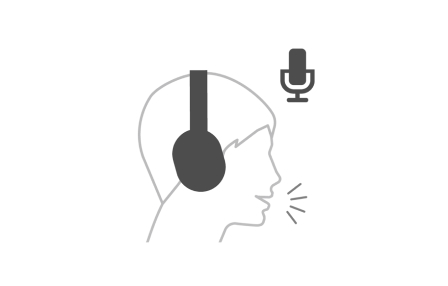
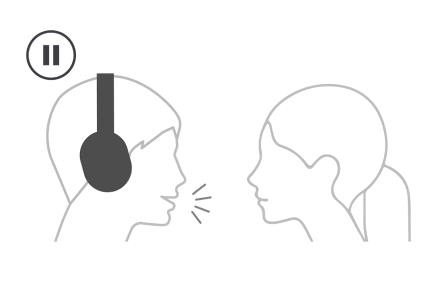
For everyday convenience, just Speak-to-Chat
The Speak-to-Chat feature uses built-in microphones and advanced audio signal processing to recognise and react to your voice. As soon as you start a conversation, Speak-to-Chat will pause your music and let ambient sound in. Then, when you've finished your conversation, your music starts playing again automatically.5,6

- 1 Since 2024 October, LinkBuds Fit/Open
- 2 Requires downloading voice data for use.
- 3 TalkBack on the Android smartphone, VoiceOver on the iPhone.
- 4 Only available on selected models.
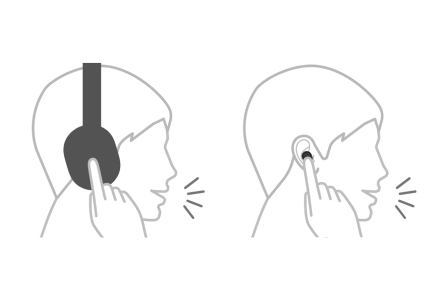
- 5 Set the function to “ON” in the Sony | Headphones Connect app. To deactivate Speak-to-Chat and return to your music immediately, tap the right touch panel. Otherwise, music will resume playing by default 15 seconds after your conversation ends. This timeframe can be customised in the app.
- 6 In rare cases, Speak-to-Chat may unintentionally start up in response to vibrations caused by devices such as electric toothbrushes, electric massagers and electric shavers, and activities such as brushing teeth, coughing or humming.
- 7 Download app at Google Play and the App Store. Network services, content, and operating system and software subject to terms and conditions and may be changed, interrupted or discontinued at any time and may require fees, registration and credit card information.
- 8 Install the Auto Play app and set up with Sony | Headphones Connect app. Install the Spotify or Endel app and set up with Auto Play app. Auto Play, Spotify and Endel services may not be available in some countries/regions.
- 9 It may not be activated depending on the combination of the application and OS.
- * Features and specifications are subject to change without prior notice.
- * The Bluetooth® word mark and logos are registered trademarks owned by Bluetooth SIG, Inc. and any use of such marks by Sony Group Corporation and its subsidiaries is under license.